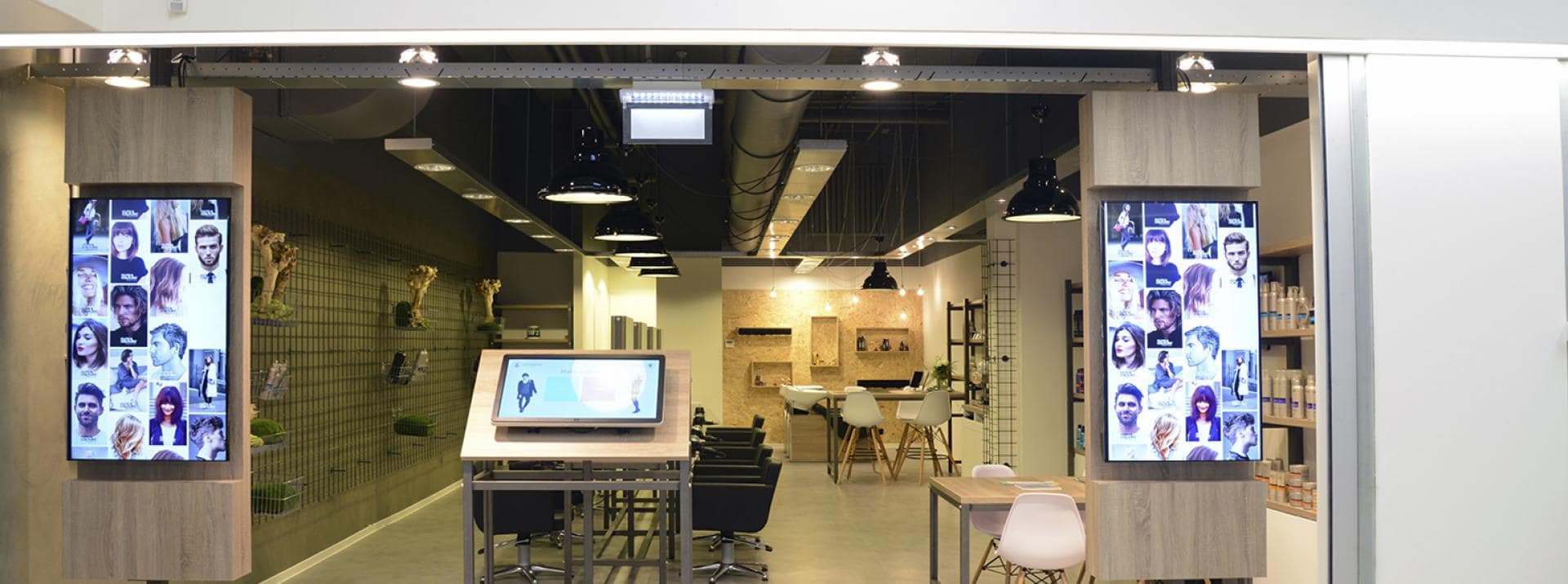
Slidecreator
The slide creator is part of the free digital signage software CastIt and gives you the opportunity to easily create a presentation for your information screen. You can save the template of your presentation and use it again later to make adjustments quickly and easily. Consider, for example, price or program changes. Images, text, shapes, and positions are parts of this online digital signage software toolkit. With a little sense of design, you can get off to a good start.
Library
The library allows you to save all conceivable items in the cloud and add them from any (random) computer to the relevant information screen or timeline later on. To have a nice overview, you can also add the files to different folders.
Add-ons and integrations
With CastIt broadcast software, you can use apps to connect existing information from the web to your broadcast screen. For example, Facebook updates, news, public transport departure times, etc. We can also develop CastIt applications for your organization by integrating them with your existing software. This way you can save a lot of time because you don't have to enter the same data twice. We are intensively developing CastIt applications that connect with your existing software, allowing your CastIt application to automatically receive new information. This way, up-to-date information is always available!
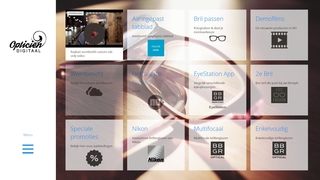
"Second screen" and interactive applications
Castit has many years of experience with developing (touchscreen) applications/apps. Think of digital receptions, digital wayfinding, digital floor maps, self-service kiosks, and register and order systems. The Castit platform is specially developed to run such touchscreen applications as a second screen and guarantee high uptime and professional monitoring.
These touchscreen applications run as a Second Screen and are great to combine with. When the screen remains untouched, it can just as well run a broadcast and provide visitors with relevant information. When the screen is touched again, the previous application is started immediately. In this way, the second screen ensures that Castit free digital signage is also an interactive solution with an even higher attention value for you. Ask about the options 0181-413112
Playlist
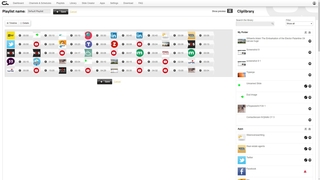
The free Castit digital signage software allows you to create as many playlists as you want. A playlist is a broadcast. You can create various playlists, each with a different theme. Think of different playlists for different times or target groups. You can fill the playlist with media items from the library and set the time per item (of these). With the help of the timer you can automatically switch the playlist screen.
Screen to Mobile (optional)
Castit digital signage software allows you to offer more information to the public with the “Screen to mobile” functionality. A number or QR code can be added to a random slide. When the visitor scans this QR code with his mobile phone or enters this number, he will automatically be directed to the right page. Additional videos, surveys, PDFs, web pages of your company, or any other desired information source can easily be shared with your visitors. This is useful, because digital signage software is made to show clearly readable and short information and thus keep your screen clear. The screen to mobile functionality is an excellent solution to complement your digital signage system.
Channels
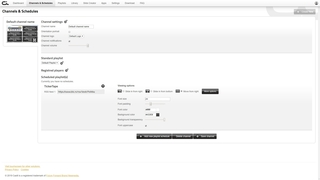
Castit allows you to easily manage large networks of information screens and to provide them with content. The locations of the various screens within a (large) network are displayed in a clear overview. This way you can easily send the right content to the right information screen or the group of information screens. In addition, Castit gives you the option to adjust the volume of each information screen or to provide it with a "tickertape" - a running information bar.
Screen preview
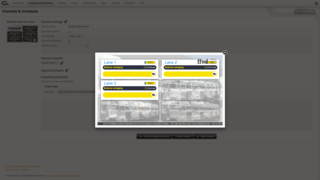
Understandably, you would like to know how the information will be displayed on the screens beforehand, especially if you manage multiple screens. Or maybe you want to show your colleague what the information screen will look like. Castit free digital signage software has built-in a useful screen preview for this. This allows you to preview the broadcast (s) or view which broadcast (s) are currently being played.
Screens
One of the specific features is that our digital signage software can run on many platforms. Think of Linux, Android, Windows etc. The advantage of this is that you often do not need an external media player to install our system on televisions and tablets. Do you, however, want more computer power, for example for high-resolution videos or heavy apps? Or do you want Castit to be able to run offline, for example at locations with a poor internet connection? Ask about the options. We have developed a special media player that you can provide with this.
Create unique and up-to-date content in your own user-friendly web environment. Use it for free (no credit card required)!
Player monitoring
Do you have a professional IT department and would you like to manage the information screens yourself? This is possible with the Castit digital signage monitoring tool, which allows you to easily see which screens are up and running and at which location. It is, ofcourse, possible that a malfunction occurs. The Castit monitoring tool prevents you from finding out months later and allows you to intervene directly.
Branding
You obviously want to provide your information screen with your own branding. This is also possible with Castit digital signage. You can add a channel logo, so that you have your own TV channel, and adjust your slides and tickertape to your house style. In this way, the information screen is completely in line with the branding.
Slide animations
The alternation of your content includes a so-called transition. For this, we offer different options, so that your transitions get the maximum attention value. Transitions that go from left to right or are transparent, distorted, etc., cause the information screen to attract attention when it changes slides.
Personal settings
Castit digital signage software has functionalities to change your settings. This is not only limited to things like changing your password, but also includes the settings of the apps. For example, if you want to set up a different Facebook account, you can easily change this.
Partners
Castit has many different partners. They vary from partners who simply use Castit as an advertising channel to AV companies that want to be guaranteed that we respond quickly and unburden them completely. We have also been able to help partners who wanted even more opportunities by developing specific apps for their business. Think, for example, of apps that display energy management or stream live videos. This is all possible because we have developed Castit ourselves. This way we can easily add extra features or make adjustments that will make it a lot easier for your sales.
Castit offers you a cheaper rate if you want to become a partner. Ask about the possibilities, or let's brainstorm! Call 0181-413112